Gear Guides
Camera Memory Cards Explained: What to Buy
Learn what the numbers on a memory card actually mean and how to pick the right SD card for your camera and shooting style.
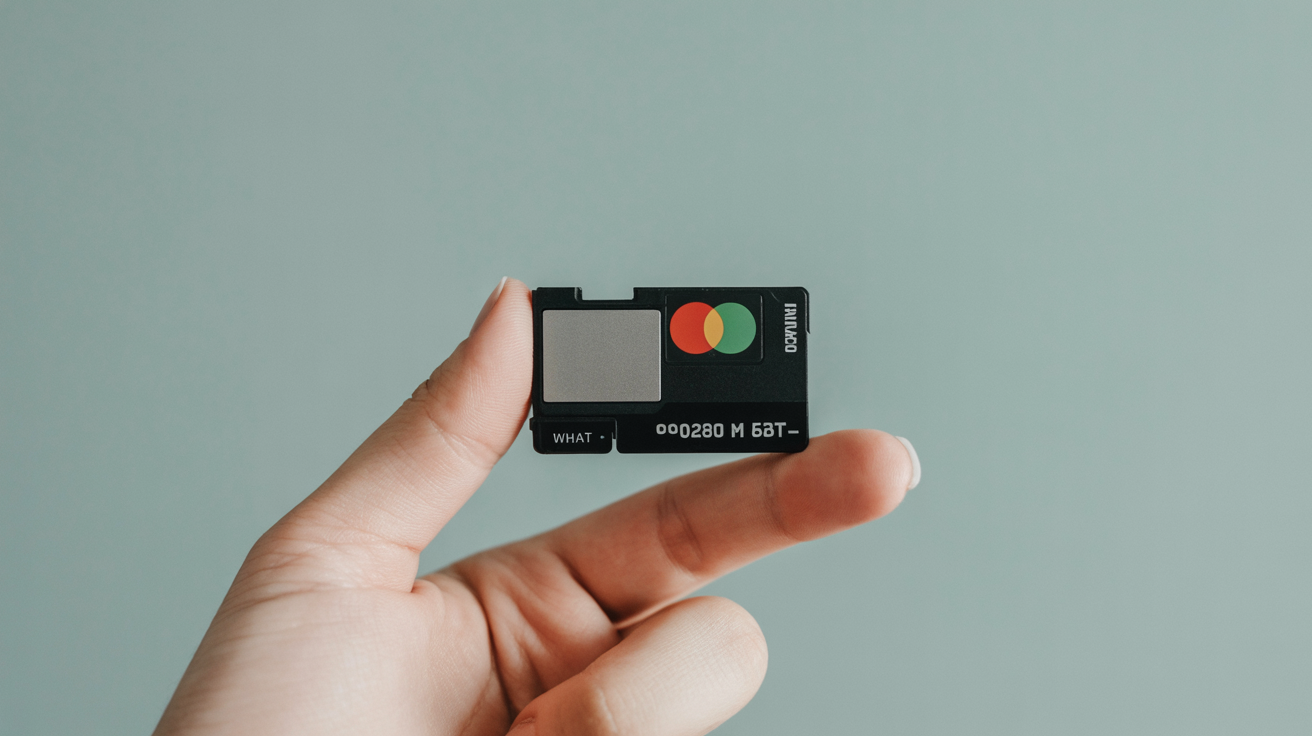
Your camera needs a memory card to save photos. That much is obvious. What's less obvious is why two cards the same size can cost completely different amounts, and which labels actually matter for your shooting.
This guide walks through the spec labels on a memory card so you can make a confident choice without overspending.
Before buying anything, check your camera's manual for the card type it accepts. Not every camera supports every format, and using an incompatible card can cause write errors or slow performance even if the card fits.
At a Glance
- Most cameras use SD, SDHC, or SDXC cards; higher-end bodies may take CFexpress or CompactFlash instead.
- For beginners, a 64 to 128 GB card in the U3 / V30 speed tier covers stills, RAW, and 4K video comfortably.
- Write speed, not read speed, is what matters while shooting; manufacturers often advertise the faster read number instead.
- Speed Class, UHS Speed Class, and Video Speed Class are three separate rating systems set by the SD Association, and cards can carry more than one.
- Buy from established brands through reputable retailers; counterfeit cards are a real and common problem.
- Carry at least one spare card, and consider two mid-size cards over one very large one.
Card Formats: SD, CFexpress, and Others
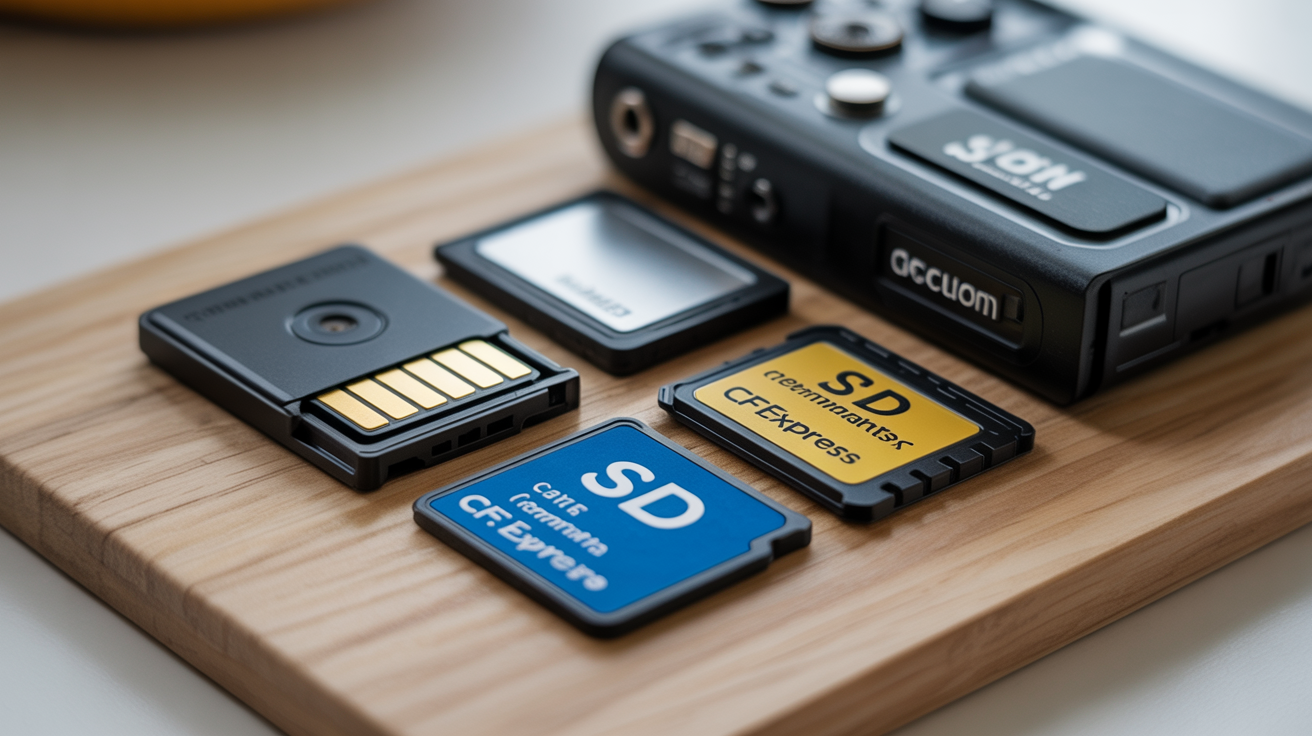
The most common format is the SD card (Secure Digital). Most consumer and enthusiast cameras use SD cards, which come in three physical sizes:
- SD (full-size) fits older DSLRs and some current models
- SDHC (High Capacity) and SDXC (Extended Capacity) are the same physical size as SD but support higher storage amounts; most cameras bought in the past decade use one of these
- microSD is used in drones and action cameras, sometimes with a full-size adapter
Higher-end mirrorless and professional DSLR cameras may use CFexpress cards (Type A or Type B) or the older CompactFlash format. These are faster and more durable, but they cost significantly more and require a different slot. According to Wikipedia's CFexpress entry, Type B is by far the most common form in current cameras, physically matching the older XQD slot so some bodies gained CFexpress support through a firmware update alone, while Type A is smaller (closer to SD-card size) and used mainly by Sony. Again, your camera manual is the definitive source here.
Capacity: How Much Storage Do You Actually Need?
Capacity is measured in gigabytes (GB). A larger number means the card holds more files before you need to swap it out.
A single JPEG from a typical 24-megapixel camera is roughly 8 to 12 MB. A RAW file from the same camera is typically 25 to 35 MB, sometimes more. RAW files preserve much more image data for editing but take up considerably more space.
Some rough estimates for a 64 GB card:
- Casual JPEG shooting: 4,000 to 6,000 photos
- RAW files: around 1,500 to 2,000 photos
- 4K video (30fps, high bitrate): 1 to 2 hours depending on the camera's compression
Cards in the 64 GB to 128 GB range suit most beginners well. Going higher means fewer card swaps on long days, but it also means losing more if a card fails. Many photographers prefer two smaller cards over one giant one for that reason.
Speed Ratings: What the Labels Mean
Speed labels are where most of the confusion happens. These aren't marketing terms invented by card makers; they're standardized ratings set by the SD Association, the industry body that also defines the physical SD card formats themselves. Here is what each marking tells you.
Speed Class
The Speed Class symbol (a number inside a circle) tells you the minimum sustained write speed:
- Class 2: 2 MB/s
- Class 4: 4 MB/s
- Class 6: 6 MB/s
- Class 10: 10 MB/s
Class 10 has been standard for years and is the minimum you want for any shooting beyond occasional snapshots.
UHS Speed Class (U Rating)
The U rating (U1 or U3, shown inside a U symbol) applies to UHS-I and UHS-II cards:
- U1: minimum 10 MB/s write
- U3: minimum 30 MB/s write
U3 is worth seeking out if you shoot 4K video or burst sequences of RAW files.
Video Speed Class (V Rating)
The V rating (V6, V10, V30, V60, V90) was introduced specifically for high-bitrate video recording:
- V30: minimum 30 MB/s, suitable for most 4K shooting
- V60 and V90: for high-bitrate 6K/8K or high-frame-rate video, typically on professional cameras
For most beginner and intermediate shooters, a U3 / V30 card covers everything.
All the Ratings Side by Side
| Rating System | Symbol | Tiers | Minimum Write Speed |
|---|---|---|---|
| Speed Class | Number in a circle | C2, C4, C6, C10 | 2 to 10 MB/s |
| UHS Speed Class | Number in a U | U1, U3 | 10 or 30 MB/s |
| Video Speed Class | V + number | V6 to V90 | 6 to 90 MB/s |
| SD Express | E + number | E150 to E600 | 150 to 600 MB/s |
Wikipedia's SD card entry lays out this exact tier structure, including the newest SD Express class for the small number of current cameras and card readers that support it. Most beginner and enthusiast gear released in the last several years supports UHS-I and Video Speed Class only, so E-rated SD Express cards are worth ignoring unless your specific camera lists support for it.
UHS Bus: UHS-I vs. UHS-II
UHS-I and UHS-II describe the interface between the card and the camera, not just the card's internal speed.
- UHS-I maxes out at around 104 MB/s transfer speed
- UHS-II can reach 312 MB/s
UHS-II cards have a second row of pins on the back. If your camera supports UHS-II, those cards will be faster in that camera. If your camera only supports UHS-I, a UHS-II card will still work but will run at UHS-I speeds. You are paying for speed your camera cannot use in that case.
Read Speed vs. Write Speed
You will often see two speed figures on a card or in its product listing: read speed and write speed.
Write speed is what matters most when shooting. It determines how fast the camera can save files to the card. A slow write speed causes the camera's buffer to fill up during burst shooting, forcing you to wait before taking more photos.
Read speed affects how fast files transfer to your computer when you are importing. Faster read speeds mean shorter import sessions, which adds up over time.
Manufacturers tend to advertise the higher read speed prominently. Look specifically for the write speed, especially if you shoot bursts or video.
A Cheat-Sheet by Shooting Style
| Shooting Style | Minimum Capacity | Minimum Speed |
|---|---|---|
| Casual stills (JPEG, light shooting) | 32 GB | U1 / Class 10 |
| Regular photography mix (JPEG + RAW) | 64 GB | U3 / V30 |
| RAW burst shooting (sports, action) | 64 to 128 GB | U3 / V30, UHS-II if camera supports it |
| 4K video recording | 128 GB | U3 / V30 minimum; V60 for high-bitrate formats |
| Travel (long trips, no laptop offload) | 128 GB or more | U3 / V30 |
These are starting points. If you are choosing your first camera or deciding between a DSLR and a mirrorless body, check what card format and speed tier the camera supports before buying cards.
A Worked Example: Matching a Card to a Real Shoot
Say you own a 26-megapixel mirrorless camera and you're heading out for a day of RAW stills plus occasional 4K clips at a family event. Each RAW file runs about 30 MB, and you expect to shoot 500 to 700 frames plus 20 minutes of 4K video. That's roughly 15 to 21 GB of stills and another 6 to 8 GB of video at typical compression, so a 64 GB card leaves comfortable headroom with room to spare for a second outing before you offload. Because you're mixing RAW bursts with 4K clips, a U3 / V30 card is the right speed tier; a cheaper U1 card would likely stall the buffer during burst sequences at the event.
Reliability and Brand Reputation
Speed ratings on cards are set by the SD Association, so a card's rated minimum speeds are standardized. That said, not all cards perform consistently under heat, sustained writes, or repeated use cycles.
Buy from established storage manufacturers sold through reputable retailers. Counterfeit cards are a real problem, particularly on online marketplaces. A fake card may report a large capacity but silently corrupt or overwrite files. Buying from known retailers reduces that risk significantly.
A simple way to sanity-check a new card before trusting it with real work: fill it completely with test files, then read every file back and verify the data matches. Several free tools (H2testw on Windows, F3 on Mac and Linux) exist specifically to catch counterfeit cards that report false capacity, and running one takes under an hour for most card sizes.
Also check whether the card comes with a manufacturer warranty. Most reputable cards include at least a limited warranty, and some offer longer coverage.
Frequently Asked Questions
Do I need UHS-II if my camera says it supports it?
Not necessarily at first. A UHS-II card is faster, but the difference is most noticeable during heavy burst shooting or when transferring files to a computer with a UHS-II reader. If your shooting is mostly travel and portraits, a good UHS-I U3 card will serve you fine and costs less.
Can I use a microSD card in a full-size slot with an adapter?
Yes, most cameras accept microSD in a full-size adapter. Performance is generally fine for everyday shooting, though adapters add one more potential point of failure. If you buy one, use a name-brand adapter rather than a generic one.
How many memory cards should I carry?
At minimum, carry a spare. Cards rarely fail, but they do fail, and having a backup means you do not lose an entire day of shooting. Many photographers carry two or three cards and rotate them, keeping one in the camera, one in a bag slot, and a third as a backup.
What happens if I fill a card mid-shoot?
The camera will stop writing and display a card-full warning. You will need to swap in a fresh card, delete files from the current card (not recommended in the field unless you are sure the files are backed up), or offload to a laptop or portable drive. Keeping a spare card avoids this situation.
Does a faster card make my photos better?
No. Card speed affects how quickly the camera saves files and how fast you can burst shoot without the buffer filling. It has no effect on image quality. A slower card can actually limit how many frames per second you can sustain, so for action photography it matters. For landscape or portrait work, almost any U1 card is sufficient from a quality standpoint.
How long do memory cards typically last?
SD cards use flash memory, which has a finite number of write cycles, but for photography use that limit is rarely the practical issue. Physical damage, connector wear, and manufacturing defects tend to end a card's life long before write-cycle limits do. A card used for years of regular shooting and reformatted occasionally will usually outlast the camera body it was bought for.
Should I format a new card before using it?
Yes. Format it in the camera you plan to shoot with, not on a computer. In-camera formatting sets up the file structure the way that specific camera expects, which avoids compatibility quirks that can come from a computer-formatted card.
If you are still figuring out your kit, take a look at why a 50mm lens is often the best starting point once your card situation is sorted.