Camera Basics
Camera Modes Explained: Auto, P, A, S, and M
Learn what every camera mode does, when to use each one, and why aperture priority is often the best starting point for beginners.
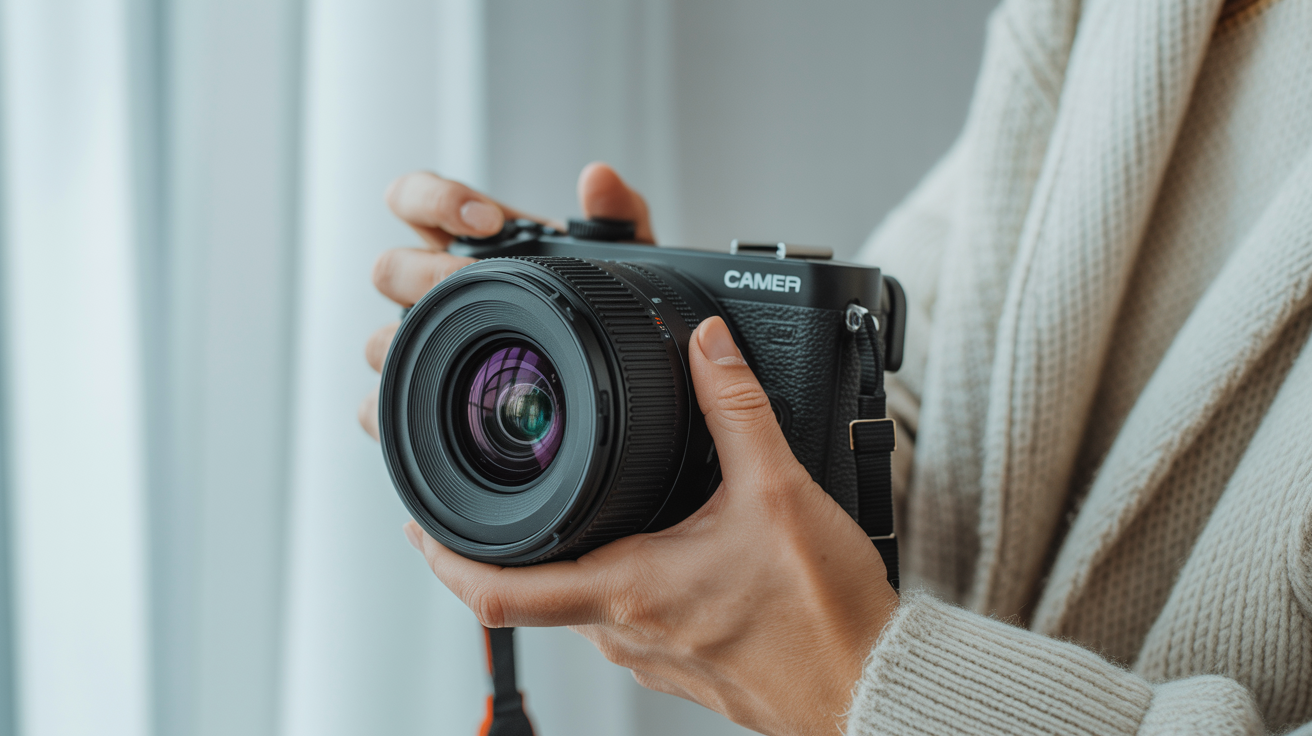
Your camera's mode dial has a row of letters that probably looked cryptic the first time you picked up the body. Auto, P, A, S, M. Maybe Av and Tv instead of A and S, depending on the brand. This guide walks through every one of those camera shooting modes, explains exactly what the camera handles and what you handle, and helps you decide which mode makes sense for the shot you are trying to take.
At a Glance
- Every mode juggles the same three settings, aperture, shutter speed, and ISO. The mode dial only decides who sets each one, you or the camera.
- Aperture Priority (A or Av) with Auto ISO is the most practical starting point for most beginners: you control depth of field, the camera handles the rest.
- Shutter Priority (S or Tv) is for freezing or intentionally blurring motion; you set the speed, the camera fills in the aperture.
- Manual mode (M) locks all three settings so they do not shift as the light changes, which matters for studio flash work or tricky, unusual lighting.
- Canon's Av and Tv labels mean exactly the same thing as A and S on every other brand.
- Auto ISO can be layered onto almost any mode to reduce how many dials you are managing at once.
What the Mode Dial Actually Controls
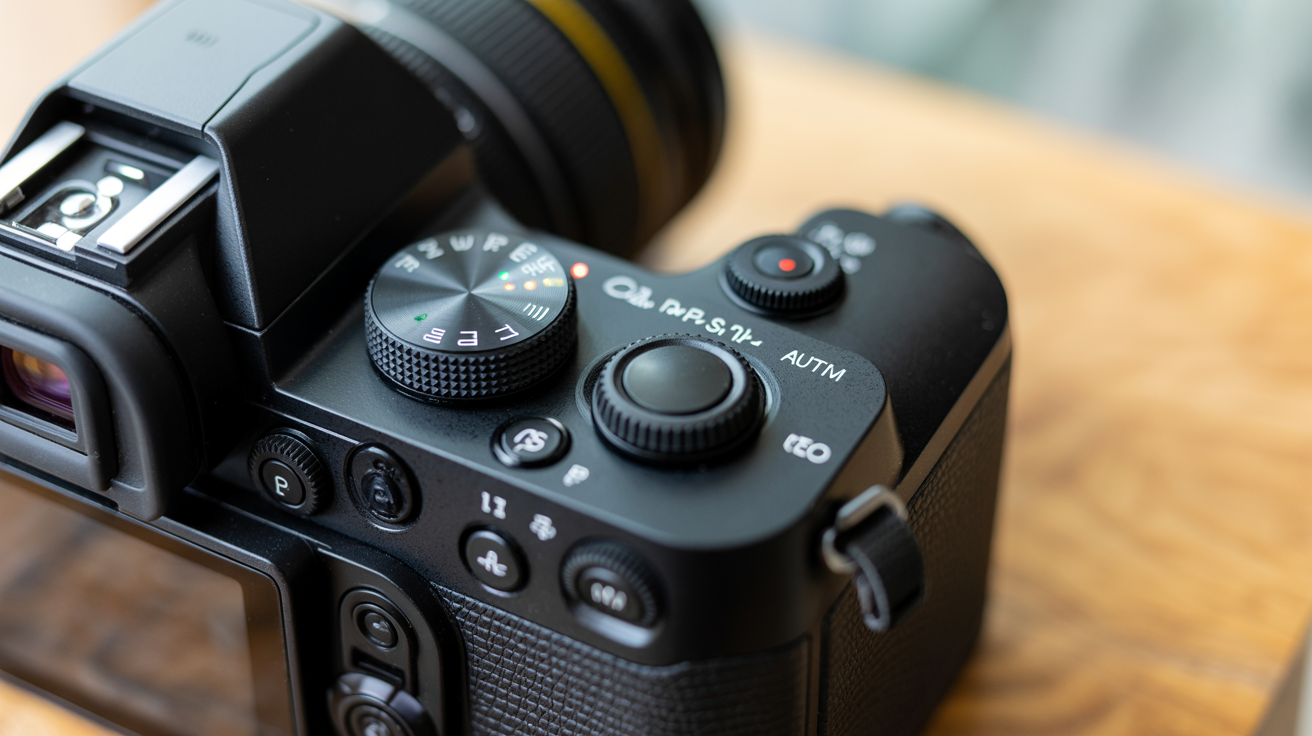
Before diving into each mode, it helps to know the three settings that all modes are juggling: aperture, shutter speed, and ISO. Together they are called the exposure triangle, and each one affects how bright your photo comes out. Exposure itself is simply the combination of how long the sensor is exposed to light (controlled by shutter speed) and how much light reaches it per instant (controlled by aperture), a relationship that holds regardless of which mode you shoot in, as the underlying physics is described. If you are new to those terms, the Exposure Triangle Explained for Beginners is a good place to start.
The mode dial does not change what your camera is capable of. It decides who makes the decisions. In some modes the camera picks all three settings automatically. In others you pick one or two and the camera fills in the rest. In Manual, you control everything yourself.
Here is a quick reference table before we go deeper:
| Mode | What you control | What the camera controls | Best for |
|---|---|---|---|
| Auto (green icon) | Nothing | Aperture, shutter speed, ISO, flash | Complete beginners, snapshots |
| Program (P) | Nothing by default, but you can shift the pair | Aperture and shutter speed (ISO optional) | Casual shooting with some override ability |
| Aperture Priority (A or Av) | Aperture, ISO | Shutter speed | Portraits, landscapes, everyday use |
| Shutter Priority (S or Tv) | Shutter speed, ISO | Aperture | Sports, action, moving subjects |
| Manual (M) | Aperture, shutter speed, ISO | Nothing | Full creative control, studio, tricky light |
A note on brand labels: Canon uses Av (aperture value) and Tv (time value) where Nikon, Sony, and most other brands use A and S. The behavior is identical. Fujifilm cameras often skip the dial entirely and use physical aperture rings and shutter dials instead, but the same logic applies.
Auto Mode: The Green Rectangle
Auto mode, usually marked with a green rectangle or camera icon, hands every decision to the camera. Aperture, shutter speed, ISO, and often whether the flash fires are all chosen automatically based on what the metering system sees.
This is genuinely useful when you just want to capture a moment fast and do not care about the artistic result. Family birthday, quick street snap, your friend's dog doing something funny. Auto mode is not shameful. It is a tool.
The limitation is that the camera has no idea what you want the photo to feel like. It will average everything toward a neutral, properly exposed frame. If you want a blurry background or a frozen splash of water, Auto mode cannot read your mind.
Some cameras also have a Scene Auto or Full Auto that locks out all manual input. Others have a softer "intelligent auto" that reads the scene type and adjusts. Either way, you are giving up creative control.
Program Mode (P)
Program mode is essentially a smarter version of Auto. The camera still picks a combination of aperture and shutter speed to get a correct exposure, but you can nudge that combination using a feature called program shift. Spin the control dial and the camera rotates through equivalent pairs. For example, it might start at f/4 and 1/250s. You could shift that to f/2.8 and 1/500s or f/5.6 and 1/125s. Both give you the same overall brightness, but different creative effects.
ISO in Program mode can be set manually or left on Auto ISO, where the camera picks it based on light conditions.
P mode is useful when you want a quick result but might want to override something if the first attempt does not look right. Think of it as Auto with an exit ramp.
Aperture Priority: The Mode Most Beginners Should Learn First
Aperture Priority is called A on Nikon, Sony, Fujifilm, Olympus, and most brands. Canon calls it Av. You set the aperture, you set the ISO (or let the camera choose ISO automatically), and the camera calculates the shutter speed needed for a correct exposure, automatically adjusting shutter speed to compensate as the light meter reads the scene, which is the defining behavior of the mode.
Aperture controls how wide the lens opening is. A wide aperture like f/1.8 or f/2.8 lets in a lot of light and creates a shallow depth of field, meaning the subject is sharp and the background goes soft and blurry. A narrow aperture like f/11 or f/16 lets in less light and keeps more of the scene in focus front to back.
For most everyday shooting, portraits, travel, food, pets, aperture is the creative variable you actually care about. Whether you want that dreamy background blur or a sharp landscape from foreground to horizon is an aperture decision. Shutter speed, in most of those situations, just needs to be fast enough that things do not blur from camera shake.
That is why aperture priority with Auto ISO is a fantastic starting setup for beginners. You control the look of the image. The camera handles the rest. If you want to go deeper on aperture itself, What Is Aperture? A Beginner's Guide to f-Stops covers it fully.
Shutter Priority: When Freezing Motion Matters
Shutter Priority is S on most brands and Tv on Canon. You pick the shutter speed and the camera selects the aperture.
Shutter speed is how long the camera's sensor is exposed to light. Standard shutter speed values step in roughly doubling increments, something like 1/1000, 1/500, 1/250, 1/125, 1/60, 1/30, and 1/15 of a second, with each step letting in twice or half the light of its neighbor, following the same standardized scale used across cameras. A fast shutter speed like 1/1000s freezes action sharply. A slow shutter speed like 1/30s or slower lets motion blur into the frame, which can look intentional and beautiful (waterfalls, light trails) or just messy (a blurry kid at a birthday party). As a rough handheld baseline, 1/60s is generally considered the slowest speed you can shoot without a tripod using a normal lens before shake becomes visible.
Use Shutter Priority when motion is the main concern. Sports photography, kids running around, birds in flight, anything where you need to freeze a peak moment or deliberately show movement. Set a shutter speed fast enough for your subject and let the camera figure out the aperture.
The trade-off compared to aperture priority is that you lose direct control over depth of field. If the camera opens the aperture wide to compensate for a fast shutter speed in low light, your depth of field narrows even if you did not want that. Pair Shutter Priority with Auto ISO to give the camera more options.
For a deeper look at how shutter speed works and what specific speeds are right for different subjects, see Shutter Speed Explained for Beginners.
Manual Mode: Full Control, Full Responsibility
Manual mode, M on every brand, means you set aperture, shutter speed, and ISO yourself. The camera's meter gives you a guide (usually shown as a scale in the viewfinder), but it does not act on that information. You do.
So what does manual mode do that the other modes cannot? It locks all three settings in place regardless of the light changing around you. That is invaluable in controlled situations like studio photography with flash, where the light stays constant and you want consistent results across a whole session. It is also useful when the scene confuses your camera's meter, a very bright or dark background, for example, where Auto-modes might over or underexpose by trying to average things.
Manual mode is not necessarily how you become a "real" photographer. Professional photographers use Aperture Priority constantly. Manual is a tool for specific situations, not a rite of passage.
That said, spending some time shooting in Manual is a great learning exercise. When you have to set all three values yourself and think about what each one does, the exposure triangle stops being abstract. If you find yourself in Manual struggling to get a good result, check the meter scale and adjust one variable at a time until it centers.
Mode Decision Guide by Situation
Use this as a quick lookup once you understand the four modes above. It is a starting point, not a rulebook.
| Shooting situation | Recommended mode | Why |
|---|---|---|
| Portraits with background blur | Aperture Priority | You control depth of field directly |
| Landscapes, everything in focus | Aperture Priority (narrow aperture, f/8-f/16) | Depth of field is the priority, light is usually stable |
| Kids or pets moving unpredictably | Shutter Priority | Freezing motion matters more than background blur |
| Sports or wildlife in flight | Shutter Priority (fast, 1/1000s or faster) | Sharp subjects beat everything else |
| Studio flash | Manual | Flash output is constant, so exposure should not drift |
| Waterfalls or light trails | Shutter Priority or Manual (slow shutter, tripod) | Deliberate motion blur needs a controlled slow speed |
| Quick snapshot, no time to think | Auto or Program | Speed matters more than creative control |
A Word on Auto ISO
Auto ISO deserves its own mention because it works across modes. When enabled, the camera picks the ISO automatically based on what aperture and shutter speed you have selected. Most cameras let you set a maximum ISO cap so it does not push into noise territory you find unacceptable, such as capping it at ISO 6400.
In Aperture Priority with Auto ISO, you control the look (aperture) and the camera handles everything else. That combination covers the vast majority of everyday shooting without making you think about exposure constantly.
In Manual mode, enabling Auto ISO takes some of the manual-ness away. The camera adjusts ISO while you hold aperture and shutter speed fixed. Some photographers use this for events in variable light where they want a specific depth of field and a minimum fast enough shutter speed, but do not want to ride the ISO dial all night.
Metering and Exposure Compensation Still Matter
Every semi-automatic mode, Program, Aperture Priority, and Shutter Priority, relies on the camera's light meter to decide the setting it fills in for you. That meter is not infallible. It tries to average the scene toward a middle grey brightness, which works well most of the time and fails predictably in a few situations: a subject against a bright white snowfield, a backlit portrait against a bright window, or a mostly dark stage with a single spotlit performer. In all three cases the meter tends to guess wrong, usually underexposing the bright scene or overexposing the dark one.
The fix is exposure compensation, a dial or button (often marked +/-) that tells the camera to intentionally brighten or darken its automatic guess by a set amount, typically in third-stop increments up to plus or minus three stops. It works in P, A, and S modes, though not in Manual, since you are already setting exposure directly there. Learning to recognize when a scene will fool the meter, and nudging exposure compensation accordingly, matters just as much as picking the right mode in the first place.
Frequently Asked Questions
Which camera mode should a beginner start with?
Aperture Priority with Auto ISO is the most practical starting point for most beginners. You control the one setting that most affects how your photos look (depth of field), and the camera handles the rest. You can always move to Manual later as you get comfortable.
Is there something wrong with using Auto mode?
Nothing at all. Auto mode is genuinely useful for quick snapshots when you do not have time to think about settings. The limitation is that you give up control over the creative look of the image. As you get more comfortable, the semi-automatic modes give you that control back without feeling overwhelming.
What is the difference between aperture priority and shutter priority?
In aperture priority, you set the aperture and the camera chooses the shutter speed. In shutter priority, you set the shutter speed and the camera chooses the aperture. Which one you use depends on what matters more for the shot. Background blur and depth of field are aperture decisions. Freezing or blurring motion is a shutter speed decision.
Why does Canon use Av and Tv instead of A and S?
Av stands for aperture value and Tv stands for time value. They mean exactly the same thing as A and S on other brands. Canon has used those labels for decades across film and digital cameras, so they kept them. The behavior is identical.
Do I need to learn Manual mode to take better photos?
Not necessarily. Many working photographers shoot aperture priority most of the time. Manual mode is most useful in situations where you want locked-in consistency, such as studio flash work, or where the scene is unusual enough that the camera's meter keeps making bad choices. Learning Manual is worthwhile as an exercise for understanding exposure, but it is not a requirement for making great images.
What happens if I leave the mode dial on Auto but change my ISO manually?
On most cameras, full Auto mode overrides any manual ISO setting you try to apply, since the whole point of that mode is to remove every decision from you. If you want to control ISO while the camera still handles aperture and shutter speed, switch to Program mode instead, which typically allows manual ISO while still automating the rest of the exposure.